A driver app is not useful because it is digital. It is useful when it removes uncertainty from the job.
If drivers still ring for addresses, scribble changes on paper and send proof photos into a group chat, the app has simply added another screen to the cab.
The test is straightforward: does it help the driver complete the right movement, with the right information, and report the outcome without creating a second round of office admin?
Show today’s work clearly
The opening screen should answer one question: what am I doing next?
Drivers need a clean ordered job list, not every booking in the company. Each movement should be recognisable at a glance as a delivery, exchange or collection, with the address and essential timing visible.
Carry the job details the driver genuinely needs
A good skip hire driver app gives enough detail to act without turning the screen into a filing cabinet.
- Customer and site contact
- Full delivery address and postcode
- Skip size and movement type
- Access, gate and placement notes
- Any agreed call-ahead instruction
- Clear warnings that affect safe completion
Information should come from the live booking record. Copying notes into a separate driver system creates the same old risk with newer equipment.
Make the important actions obvious
Drivers are working outside, often in poor weather, around traffic and heavy equipment. They should not hunt through menus to mark a job complete.
The app should keep routine actions short: open the next job, check the notes, record the result, add proof where required and move on. If training needs an afternoon and a laminated cheat sheet, the workflow is too complicated.
Support failed jobs properly
Not every job ends with a skip on the ground. Cars block access. Customers are absent. Waste is overloaded or unsuitable. The site may not be safe.
A driver needs a quick way to report the reason and attach useful evidence. The office then sees a clear exception rather than receiving a vague message several jobs later.
A failed job reported properly is still manageable. A failed job discovered when the customer rings is not.
Keep photos attached to the job
Photos can show placement, access problems, damage or the condition of a load. Their value drops sharply when they disappear into a driver’s camera roll or a busy chat thread.
Capture them against the correct job. Add context where needed. Keep collection and access in line with your privacy policy, particularly where people, homes or vehicle registrations may appear in the image.
Allow for weak signal
Industrial estates, rural sites and deep yards are not famous for dependable mobile reception. A driver workflow should fail sensibly when the signal drops and make it clear whether an update has been saved or still needs to synchronise.
Ambiguity is the enemy. If a driver presses complete twice because nothing appears to happen, the system should not create two movements or leave the office guessing.
Do not turn drivers into data-entry clerks
The office may want every possible detail, but each mandatory field slows the roadside workflow. Ask whether the information changes a decision, proves completion or supports a genuine record-keeping need.
Use sensible defaults from the booking. Let the driver confirm what happened and capture exceptions. The job record should do the heavy lifting.
Judge adoption by behaviour, not logins
An app can show plenty of logins while drivers still use phone calls for anything important. Look at the operation instead.
- Are completed jobs updating the office promptly?
- Are proof photos attached to the right booking?
- Are failed-job reasons clear enough to act on?
- Have calls for routine details reduced?
- Can a new driver understand the running order quickly?
Keep the driver workflow connected
Roll it out with drivers, not at them
Start with a small group that includes an experienced driver and somebody less comfortable with technology. Give them real work, watch where the process slows down and listen when they say a field or instruction does not make sense at the roadside.
Agree a simple rule for each event. When should a driver start a job? What counts as complete? Which failures need a photo? Who does the driver contact when the booking is wrong? Consistent behaviour matters more than a long feature list.
For the first few weeks, review incomplete records without turning the exercise into a witch-hunt. Some mistakes will be training. Others will expose weak booking data or an awkward screen. Fix the cause and show drivers how their updates prevent repeat calls and disputes.
Keep a fallback for device damage, flat batteries and genuine outages. A fallback is not permission to run two permanent systems; it is a controlled way to finish the work and update the record later.
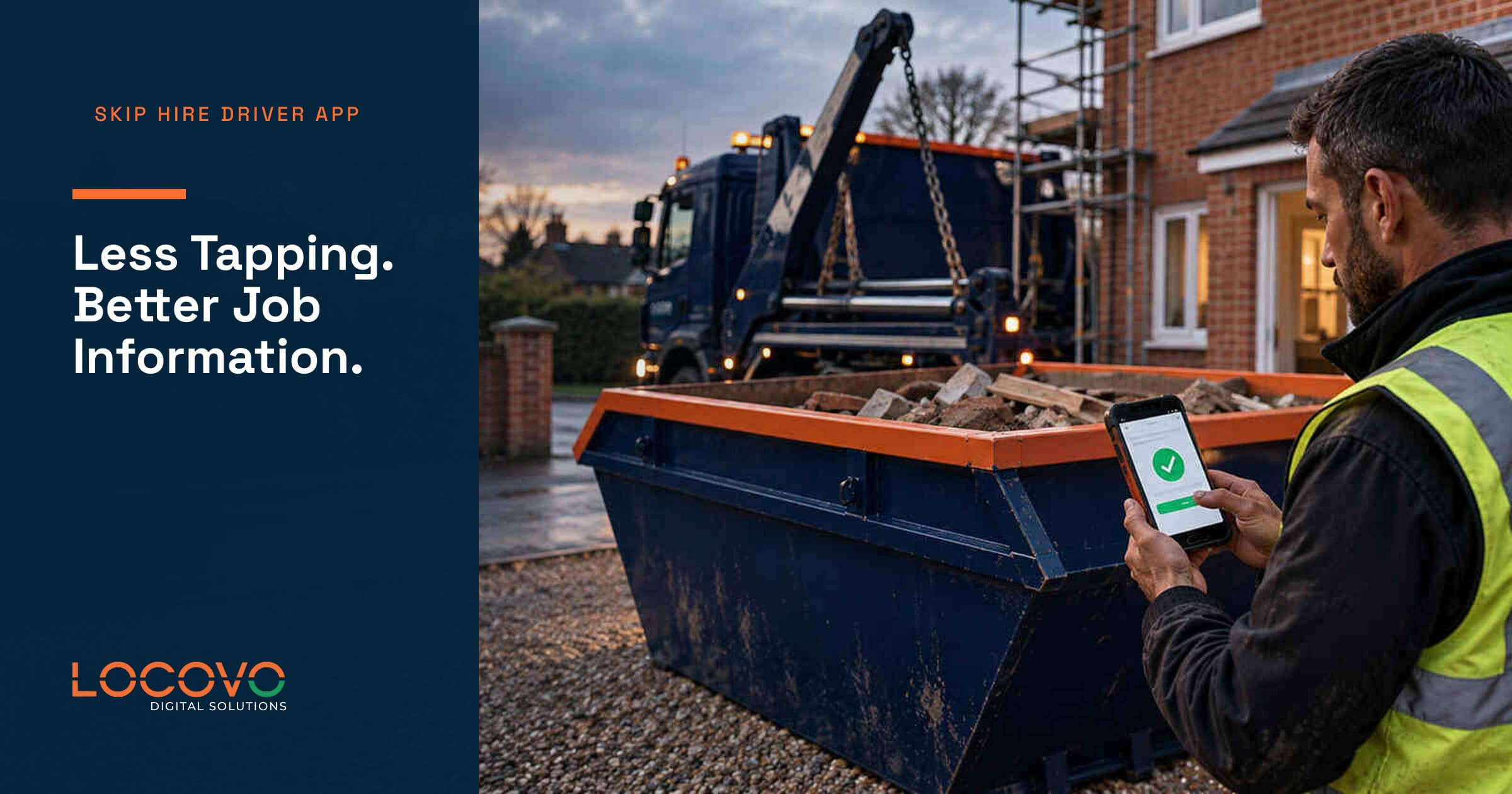
Locovo’s driver web app is designed to connect assigned work, status updates and proof photos with the main job record. Drivers see what they need; the office sees the result without retyping it.
See how the driver workflow fits into the Locovo Dashboard, or compare the wider buying criteria in our guide to choosing skip hire management software.