Skip hire management software should make the working day easier. It should not move the same mess from a whiteboard and spreadsheet onto a shinier screen.
That distinction matters. A tidy dashboard can look impressive in a demonstration, yet still leave the office chasing drivers, the yard guessing what stock is available and customers ringing for updates.
The right system should give your team a clearer view of orders, jobs, skips and progress without forcing everybody to become a software expert. This guide explains what UK operators should look for, what questions to ask and where expensive mistakes usually hide.
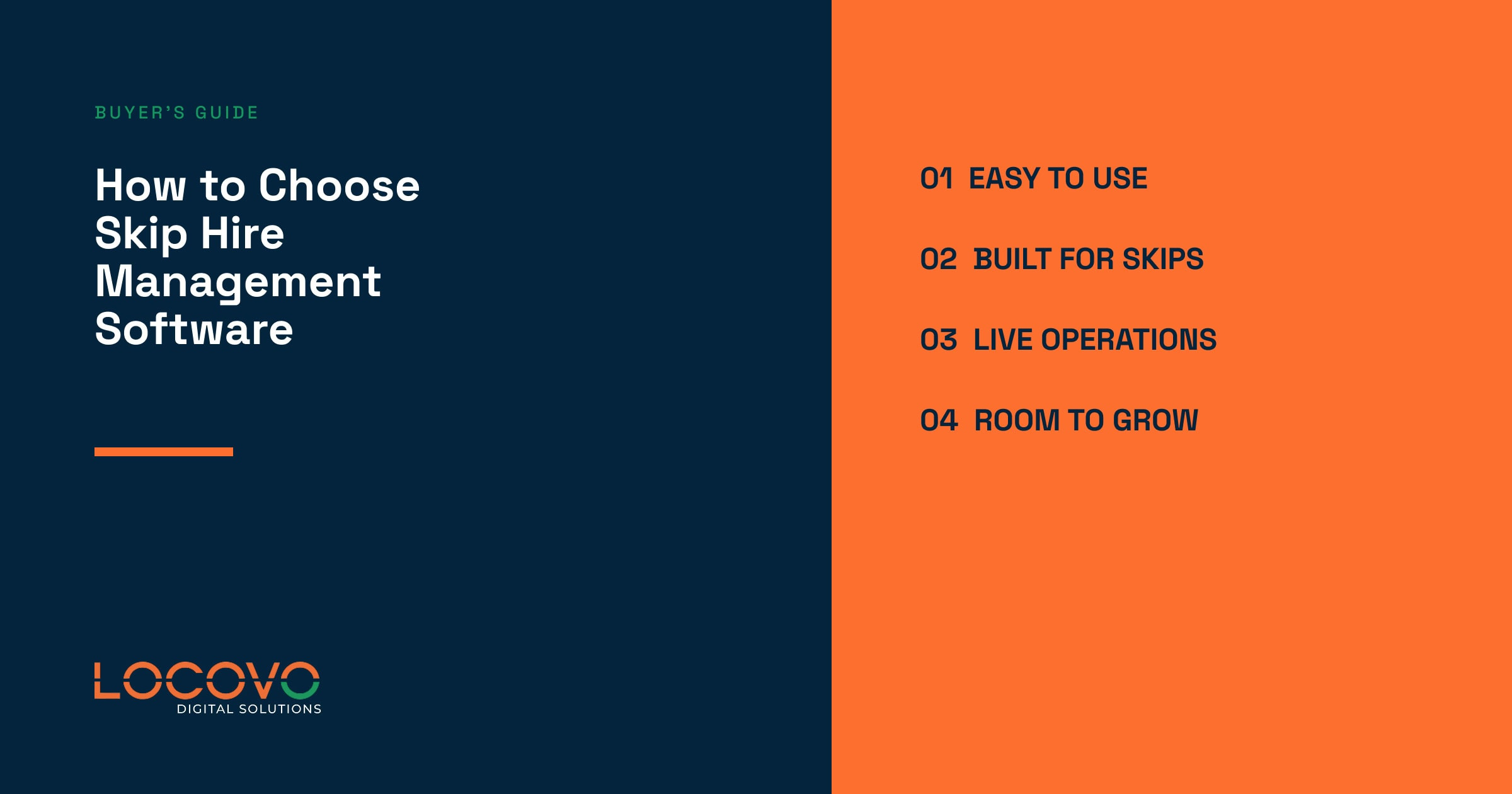
Start with problems
Write down where time, information and margin currently disappear.
Test real work
Use genuine jobs and awkward situations during every demonstration.
Buy what exists
Separate live features from optional extras and future promises.
What should skip hire management software actually improve?
Good software connects the commercial promise made to the customer with the physical work carried out by the transport team. That sounds obvious. In practice, this is where many operations start to fray.
An order arrives through the website or over the phone. Someone checks the postcode and price. The work is planned. A driver delivers the skip. Later, the customer requests an exchange or collection. Every handover creates another opportunity for information to be copied badly, missed or left in somebody’s inbox.
A useful system reduces those gaps. It should help the team answer ordinary questions quickly:
- What has the customer ordered?
- What work needs planning today?
- Which skip sizes can actually be supplied?
- How far has each job progressed?
- Which customers or jobs need attention?
The goal is not more administration. It is fewer avoidable calls, fewer duplicated updates and fewer decisions made using yesterday’s information.
The warning signs that your current setup is struggling
Spreadsheets, diaries and whiteboards are not automatically bad. They are cheap, familiar and flexible. Plenty of successful skip businesses have grown using them.
Problems appear when several people need to update the same operation throughout the day. One person changes a date. Another works from an older list. A driver hears about a change by phone, but the office record never catches up.
You have probably reached the limit when:
- Customers regularly chase routine delivery or collection updates.
- Staff ring drivers just to learn what has happened.
- Nobody fully trusts the available-skip figure.
- Website orders are copied into another system by hand.
- Failed or changed jobs are easy to lose.
- Management information takes hours to assemble.
- The whole process depends on one experienced person remembering everything.
A process held together by one experienced member of staff is not a process. It is a dependency wearing a hi-vis jacket.
Judge the system using your working day
Do not let a supplier control the entire demonstration. A polished tour shows you what they want to sell. Your own jobs show whether the system fits the business.
Bring examples of the work that causes grief: a late change, an awkward access note, an exchange, a failed collection and a customer who wants an update immediately. Ask the supplier to show how their system helps the team handle those situations.
Watch the people who will use it every day. Can office staff find what they need without digging? Can the transport manager see priorities clearly? Will drivers understand what to do without a morning training course every Monday?
You are not testing whether the software looks modern. You are testing whether it makes pressure easier to manage.
Focus on the parts that affect the operation
Bookings and customer information
The team should be able to find the customer, service address, order and current work without searching several places. Telephone and online bookings should ultimately feed the same operation, even if they enter it differently.
Look for clarity. If an address, date or instruction changes, staff should understand what needs attention. You do not need to know the code behind it. You need confidence that important changes will not quietly disappear.
Skip stock and availability
A simple yard total can be misleading. Skips may be on hire, reserved, damaged or sitting at another depot. Software should give the office a dependable operational picture, not just a bigger number in a coloured box.
Ask what the supplier means by “skip tracking”. It might mean status records, labels, driver scanning or physical GPS hardware. Those are different products with different costs. Make sure you are comparing like with like.
Transport planning and driver updates
Transport teams need to see what is ready to plan, what is already allocated and what has changed. Drivers need clear instructions and a quick way to report progress from site.
Be careful with the phrase “route optimisation”. A digital planning board is not necessarily automatic optimisation. Ask the supplier to demonstrate exactly what happens today, then decide whether it meets your needs.
Proof, customer updates and reporting
Photographs, notes and customer updates can reduce arguments and unnecessary calls, but only when staff can find them quickly. The same rule applies to reports. A colourful graph is useless if nobody trusts the information behind it.
Ask which reports help during the working day, not just at month-end. Useful information should highlight work that needs attention and help managers make a decision.
Check integrations without getting buried in technical talk
Most operators already use other systems. These may include a website, ecommerce platform, accounting software, mapping tools, email and SMS services.
You do not need an architecture lesson. Ask which connections are live, which cost extra and who supports them when something fails. If online bookings still need copying into the transport diary, the integration has not removed much work.
Also ask how you can retrieve your information if you leave. Your customer and operational data should never feel like a hostage.
Do not buy the roadmap
Roadmaps are useful. They show direction. They are not the product you are paying for today.
Ask suppliers to separate what is live, what is being tested, what is optional and what is merely planned. Then make the buying decision using the live product. A promised feature may arrive late, change shape or never become important enough to build.
Honest boundaries are a good sign. If every question receives “yes, it does that”, keep your wallet in your pocket.
Digital Waste Tracking changes the conversation
Digital Waste Tracking is being introduced in phases across the UK. Current government guidance says the service becomes mandatory for permitted receiving sites in England and Wales from October 2026, and in Scotland and Northern Ireland from January 2027. The planned mandatory date for waste collectors, including carriers, brokers and dealers, is October 2027.
That does not mean every piece of skip hire software automatically provides compliance. Digital job records, QR codes or NFC tags may support accurate data capture, but they are not compliance on their own.
Ask suppliers what is live, what has been tested and which part of the requirement their software covers. Check the latest GOV.UK Digital Waste Tracking guidance before making a compliance decision, because dates and requirements can change.
Budget for the change, not only the monthly fee
The subscription is only part of the cost. Allow for setup, data cleaning, training, driver devices, labels, integrations and internal time.
Do not move years of untidy data simply because it exists. Decide what the team genuinely needs, clean it before import and agree who owns the information after launch.
A sensible rollout starts small. Put the core process in place, test it with real users and fix the friction before adding more. The best feedback will come from the office, transport team and drivers, not the person who watched the sales presentation.
Questions worth taking into every demonstration
- Which problems does the system solve for an operator like us?
- What is live today and what is still planned?
- Can we test it using our own jobs?
- How does it handle changes and failed work?
- What does “tracking” or “optimisation” actually mean here?
- Which integrations are included and who supports them?
- What will implementation require from our team?
- How do we retrieve our data if we leave?
- What will the total first-year cost be?
A supplier who understands skip hire should welcome these questions. Clear answers matter more than another animated dashboard.
Frequently asked questions
What does skip hire management software do?
It helps operators manage the information and daily work around customers, bookings, skips, deliveries, exchanges, collections, transport and drivers.
Can it replace spreadsheets?
It can replace many operational spreadsheets, but every business uses them differently. List what each sheet currently controls before deciding what should move.
Does skip hire software include GPS tracking?
Not always. Some systems track operational status rather than physical location. GPS normally requires compatible hardware and a separate service, so ask exactly what is included.
Will it make us compliant with Digital Waste Tracking?
Not automatically. Confirm what the software can submit, which requirements it covers and whether the relevant connection is live and accepted.
See whether it fits your operation
Choosing skip hire management software should not come down to the longest feature list. It should come down to whether the system gives your team a clearer, calmer and more dependable working day.
The Locovo Dashboard is being built around the real operational pressures faced by UK skip hire businesses. Bring the jobs that normally cause the most grief and see how the system handles them.