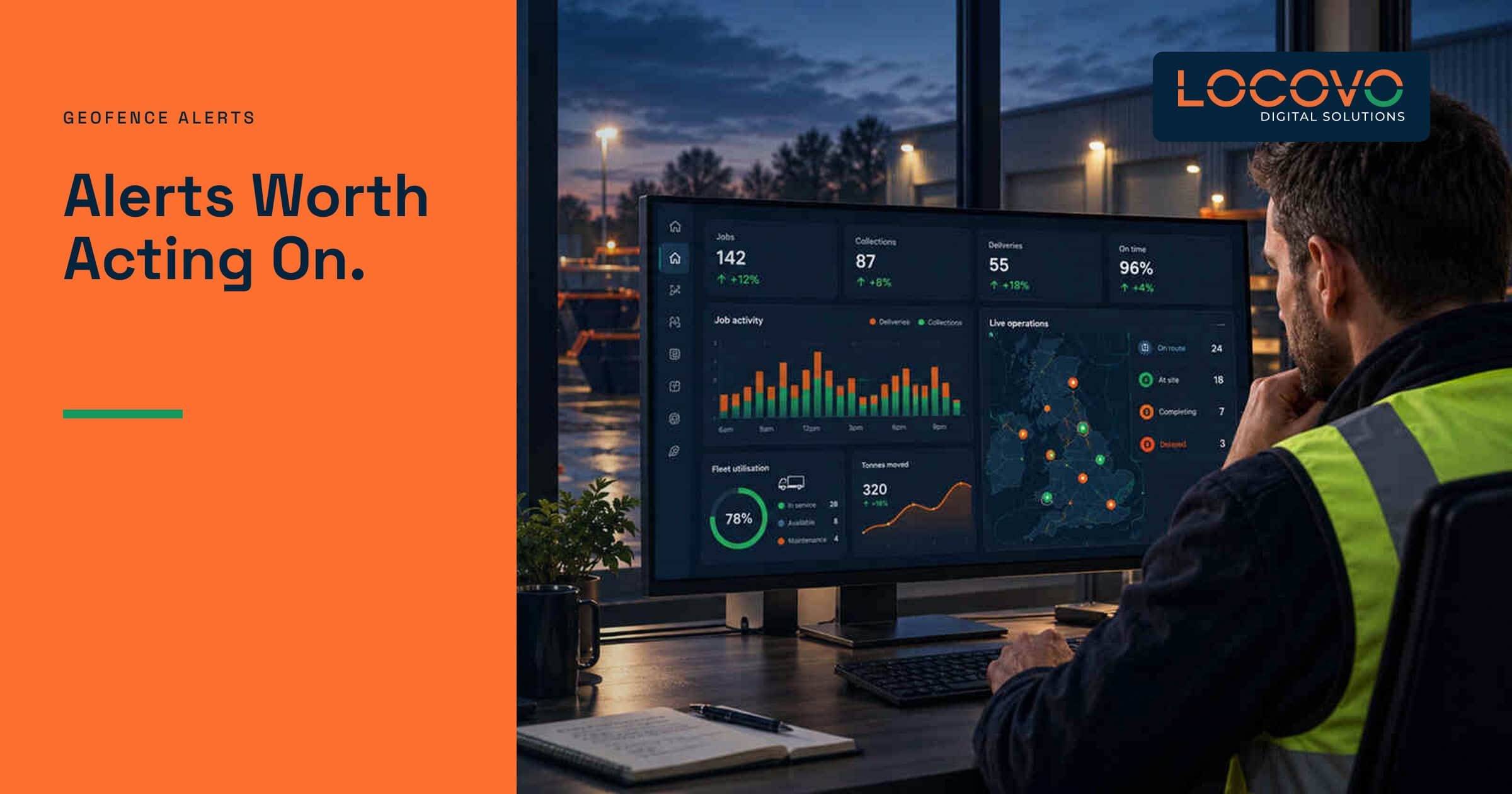
An alert that fires constantly is not an alert for long. It becomes background noise.
Geofences can help skip-hire operators notice when a tracked asset enters or leaves a defined area. That sounds simple. The operational value depends on where the boundary sits, how the tracker reports and whether the event actually requires action.
What a geofence actually does
A geofence is a virtual boundary drawn around a place such as a customer site, yard or transfer station. When a compatible tracking device reports that it has crossed the boundary, the system can record the event or send a notification.
It does not create perfect knowledge. GPS accuracy varies, devices may report at intervals and large steel objects are not always friendly to radio signals. Treat the event as a useful signal that may need context.
Start with one clear use case
Do not draw boundaries around every customer and switch on every possible notification. Pick one risk or workflow to test.
- A high-value container leaving a long-term site unexpectedly
- A tracked asset returning to the yard
- A skip arriving at a transfer station
- Movement outside an agreed operating period
- An asset travelling beyond the normal service area
Each use case has a different response. That response should be agreed before the first alert fires.
Draw boundaries with real-world movement in mind
A tight boundary may produce false exits as the reported location drifts. A huge boundary may not trigger until the asset is already well away from the site.
Test boundaries against the actual size of the premises, nearby roads and expected tracker accuracy. A yard beside a dual carriageway needs different thinking from a remote construction site.
Use schedules carefully
Movement during the working day may be expected. The same movement overnight may deserve attention. Time-based alert rules can reduce noise, but only if they reflect the customer’s operation and your own collection schedule.
Bank holidays, early starts and authorised third-party movements can all create legitimate exceptions. Make it easy for staff to see the related job before treating an event as suspicious.
A useful alert tells the right person about an unusual event while there is still time to act.
Route alerts to a named owner
Sending every alert to the whole office guarantees diffusion of responsibility. One person assumes another has checked it. By the time somebody asks, the event is old.
Assign alert types to roles. An overnight high-risk movement might go to an on-call manager. A routine yard arrival may update the asset record without notifying anybody. Escalate only when the first response is not completed.
Check the job before raising the alarm
An asset leaving a customer site might be theft. It might also be your own driver completing a collection that the tracking system has not yet connected.
The alert view should show the asset, customer, latest job and expected status together. Staff can then decide whether to dismiss, monitor, contact the driver or escalate.
Measure alert quality
Count more than the number of notifications sent. Review:
- How many alerts led to action
- How many were caused by normal work
- How many repeated the same event
- How quickly the right person reviewed them
- Whether the business prevented a loss or shortened an investigation
If most alerts are dismissed, tighten the rules. Notification volume is not evidence that a tracking system is working well.
Build geofences on top of clean asset data
Pilot alerts before they reach the whole team
Choose a handful of tracked assets and two or three known sites. Run the alerts to one owner for several weeks. Compare each event with the job history and ask whether it was accurate, timely and useful.
Keep a simple log of false exits, late reports and events that required action. Adjust boundary size, timing and reporting frequency before expanding the scheme. This is where the difference between a polished map and a dependable process becomes obvious.
- Select one operational use case.
- Name the person who will receive and review alerts.
- Define the expected response.
- Test normal collections as well as unusual movement.
- Review false and duplicate alerts weekly.
- Expand only when the signal is consistently useful.
Do not connect early tests to customer accusations or automatic charges. An alert is evidence to review, not a verdict. The related booking, driver activity and customer agreement still matter.
Locovo is developing geofencing and asset-location capabilities as planned modules. They are intended to connect movement signals with the wider skip, customer and job record. We do not describe those capabilities as fully live today.
For the operational foundation, explore the Locovo Dashboard and our guide to skip tracking once it is published.